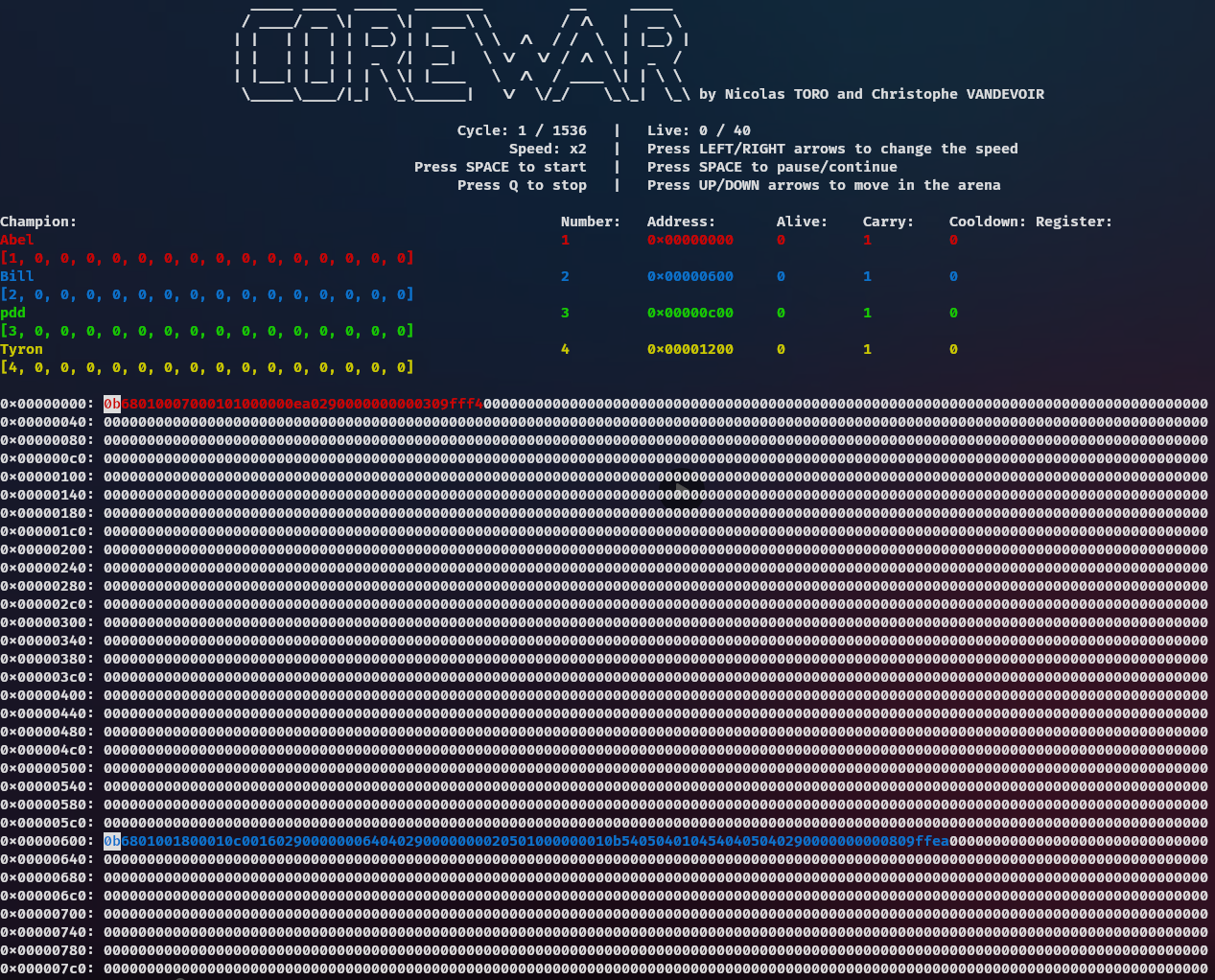
The Corewar is a project carried out by groups of 2 (see Contributors, during our 1st year in EPITECH Grand Ecole program.
Its purpose is to recreate in C a Core War video game.
You can run Corewar like this :
./corewar -dump 1000 -n 1 -a 0 champion.cor -n 2 -a 200O champion.corFor more information, please see the help section.
> ./corewar --help
USAGE
        ./corewar [-dump nbr_cycle] [[-n prog_number][-a load_address] prog_name] ...

DESCRIPTION
        -dump   nbr_cycle dumps the memory after the nbr_cycle execution (if the round isn't already over) with the following format: 32 bytes/line in hexadecimal (A0BCDEFE1DD3...)
        -n      prog_number sets the next program's number. By default, the first free number in the parameter order
-a load_address sets the next program's loading address. When no address is specified, optimize the addresses so that the processes are as far away from each other as possible. The addresses are MEM_SIZE moduloThe result of this project is an almost perfect Corewar.
If you discover a problem or an error, don't hesitate to create an issue and report it to us as soon as possible.
| Category | Percentage | Numbers of tests | Crash |
|---|---|---|---|
| Check binary | 100% | 1/1 | No |
| Results | 100% | 1/1 | No |
Functional tests were carried out with a bash tester and unit tests using criterion.
Unit tests are still to be performed, but a large part of the code is already covered:
- Lines: 100%
- Functions: 100%
- Branches: 45.2%
You can run the tester with this command :
./tester.shYou can compile the project and run the tester with this command :
make testsYou can compile the project and run the unit tests with this command :
make tests_runFor more details, please click here.
You can compile the project with this command :
makeIf you want to debug the program, you can compile the project with this :
make debug If you want clean the project, you can run this command :
make fcleanYou can clean and compile the project with make re and for debugging make re_debug
You can compile the unit tests with this command :
make unit_testsThe documentation is accessible here.
You can generate the documentation with this command :
make docYou need multiple package for generate them :
- doxygen
- doxygen-latex
- doxygen-doxywizard
- graphviz
- You'll need to create a branch where you'll push your code. Once you've completed your tasks on this branch, we'll work together to merge it and check that everything works.
- Every function you add must be code-style and documented.
- Before merging, you'll need to check that all unit tests pass by running
make tests_run. - If the github actions don't succeed, then ask yourself some questions
- Each commit will contain
[+]or[-]or[~]followed by a message[+]: Added functionality[-]: Delete feature[~]: Feature modification
Of course, in exceptional cases, we may depart from these rules.
For this project, we were a group of 2 people. Here are the people in the group: